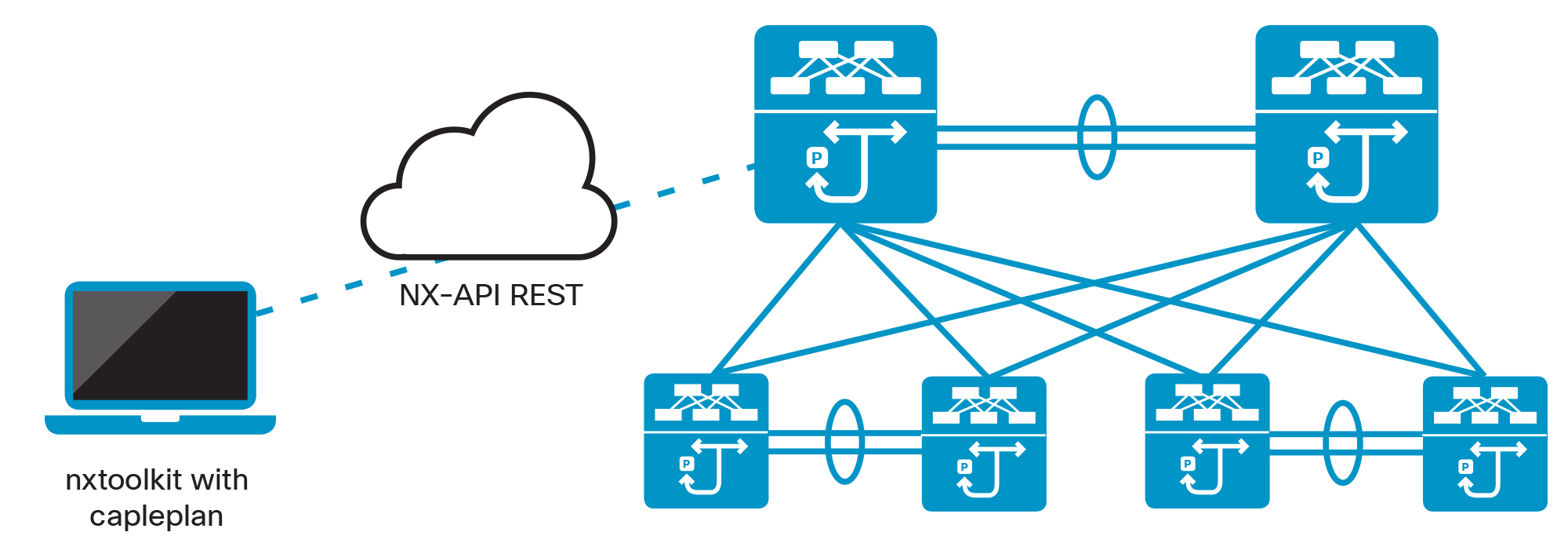
Using nxtoolkit to Generate a Cable Plan from a Running Topology
Getting Started with Cable-Plan
The Cable-Plan application module is imported from :file:cableplan.py which can be found in the nxtoolkit/applications/cableplan directory.
It can be incorporated directly into a Python script, or it can be used from the command-line.
from cableplan import CABLEPLAN
To create a cable-plan from the current running Nexus switch, simply do the following:
cp = CABLEPLAN.get(session)
where session is a Nexus switch session object generated using the nxtoolkit, cp will be the cable-plan object.
Export that cable-plan by opening a file and calling the export() method as follows:
    cpFile = open('cableplan1.xml','w')
    cp.export(cpFile)
    cpFile.close()
The cable-plan will be written to the :file:cableplan1.xml file.
Working with Saved Cable-Plans
Reading an existing cable-plan xml file is equally easy:
    fileName = 'cableplan2.xml'
    cp2 = CABLEPLAN.get(fileName)
Note that you don't have to explicitly open or close the file. The get(fileName) method will handle this.
Comparing Cable-Plans
Comparing cable-plans is one of the more interesting capabilities of the cable-plan module and is very easy to do using "difference" methods. When generating the difference between two cable-plans, the module will return those items that exist in the first cable-plan, but not in the second.
Missing Switches
For example, assume that in the above example, the second cable-plan read from the :file:cableplan2.xml file does not have switch "Spine3" and the first cable-plan does have it. The following example will print all of the switches in the first cable-plan and not in the second:
  missing_switches = cp1.difference_switch(cp2)
  for switch in missing_switches :
      print switch.get_name()
This should print the following output:
Spine3
Missing Links
Similiarly, the following example will print all of the missing links:
  missing_links = cp1.difference_link(cp2)
  for link in missing_links :
      print link.get_name()
New and Missing Links
To understand all of the differences between two cable-plans it is necessary to compare them in both directions:
  missing_links = cp1.difference_link(cp2)
  extra_links = cp2.difference_link(cp1)
  print 'The following links are missing from the second cable-plan'
  for link in missing_links :
      print link.get_name()
  print 'The following links are extra links in the second cable-plan'
  for link in extra_links:
      print link.get_name()