In Open NX-OS, network interfaces are exposed as netdevices within Linux (EthX-X). Linux commands a network operator can use are ifconfig, tcpdump, vsh etc. to make it easier to manage the switch interfaces in the same manner as network ports on a Linux server.
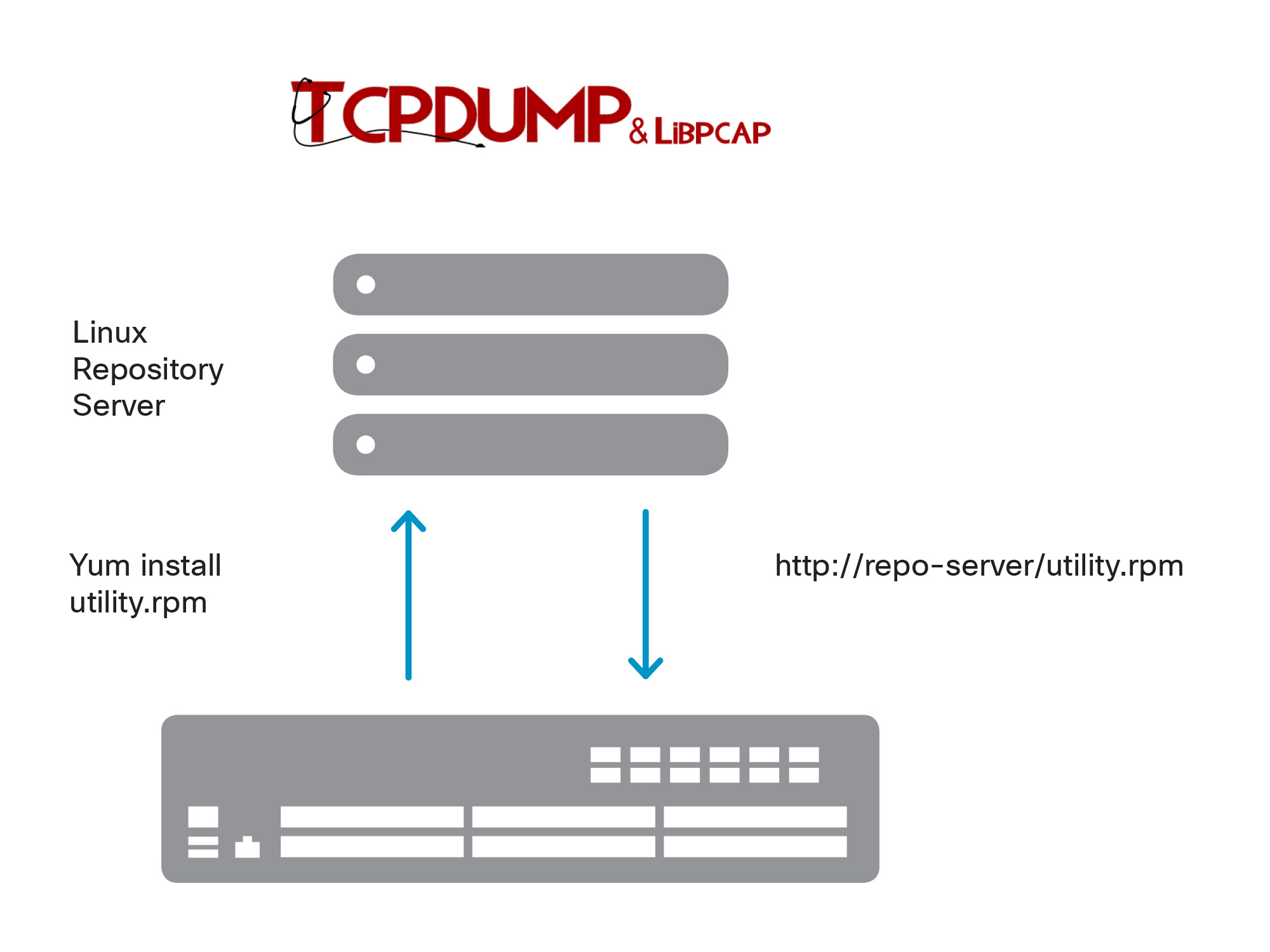
Using Standard Package Management Infrastructure (for example, yum) with Open NX-OS
For troubleshooting, use tcpdump to capture all packets on a given port, and dump output to a file:
  bash-4.2$ sudo tcpdump -w file.pcap -i Eth1-1
  tcpdump: WARNING: Eth1-1: no IPv4 address assigned
  tcpdump: listening on Eth1-1, link-type EN10MB (Ethernet), capture size 65535 bytes

  3 packets captured
  3 packets received by filter
  0 packets dropped by kernel
Use ethtool to display detailed interface statistics:
  #ethtool –S eth1-1
  NIC statistics:
       speed: 10000
       port_delay: 10
       port_bandwidth: 10000000
       admin_status: 1
       oper_status: 1
       port_mode: 0
       reset_counter: 20
       load-interval-1: 30
       rx_bit_rate1: 0
       rx_pkt_rate1: 0
       tx_bit_rate1: 272
       tx_pkt_rate1: 0
       load-interval-2: 300
       rx_bit_rate2: 0
       rx_pkt_rate2: 0
       tx_bit_rate2: 256
       tx_pkt_rate2: 0
       rx_unicast_pkts: 1340
       rx_multicast_pkts: 0
       rx_broadcast_pkts: 0
       rx_input_pkts: 1340
       rx_bytes_input_pkts: 1886720
Verify the MTU of an interface, and then use ifconfig to change mtu for an interface to jumbo MTU:
 n9k-sw-1# run bash
  bash-4.2#
  bash-4.2# ifconfig Eth1-1
  Eth1-1: flags=4163<UP,BROADCAST,RUNNING,MULTICAST>  mtu 1500
          inet6 fe80::fac2:88ff:fe90:2cb2  prefixlen 64  scopeid 0x20<link>
          ether f8:c2:88:90:2c:b2  txqueuelen 100  (Ethernet)
          RX packets 0  bytes 0 (0.0 B)
          RX errors 0  dropped 0  overruns 0  frame 0
          TX packets 2204374  bytes 170123906 (162.2 MiB)
          TX errors 0  dropped 0 overruns 0  carrier 0  collisions 0
The following example shows how to set the MTU for interface 1/1 to 9000
  bash-4.2# sudo ifconfig Eth1-1 mtu 9000
  bash-4.2#
  bash-4.2# ifconfig Eth1-1
  Eth1-1    Link encap:Ethernet  HWaddr f8:c2:88:90:2c:b2
            inet6 addr: fe80::fac2:88ff:fe90:2cb2/64 Scope:Link
            UP BROADCAST RUNNING MULTICAST  MTU:9000  Metric:1
            RX packets:0 errors:0 dropped:0 overruns:0 frame:0
            TX packets:2204856 errors:0 dropped:0 overruns:0 carrier:0
            collisions:0 txqueuelen:100
            RX bytes:0 (0.0 B)  TX bytes:170161160 (162.2 MiB)
The last example depicts how customers can execute NX-OS commands from bash. This is beneficial because the user will be able to execute commands and leverage their existing Linux tools to manage the switch. In this particular example, we are querying the interfaces from the switch leveraging the vsh command from bash shell.
  bash-4.2$ vsh -c "show interface brief" | grep up | awk '{print $1}'
  mgmt0
  Eth1/49
  bash-4.2$